

Rentthegames
everyone'splaying.
Instant digital access to Hogwarts Legacy, GTA V, Elden Ring, Spider-Man 2 & more. Four flexible modes. Zero console-ban risk. Delivered in minutes on WhatsApp.


Tekken 8
Top buyers
- Satvik 7
- Anand Annamalai
- Manpreet Singh
- Balu Rajasekharan Nair
- RESPAWN ARENA
- Deep
- Teerth Shah
- Rehman ʂƙ_
Download from our account. Play from your account — trophies & saves on your console. Online + Offline.
Play on our account. Internet required. No trophies on your account.
Lifetime access. Switch to any account. Online + Offline forever.
Play only on our shared account, lifetime — online only.
New releases












Featured on Swaps









PS5 Blockbusters







Deep RPG dives










Action Adventure





Late-night Horror




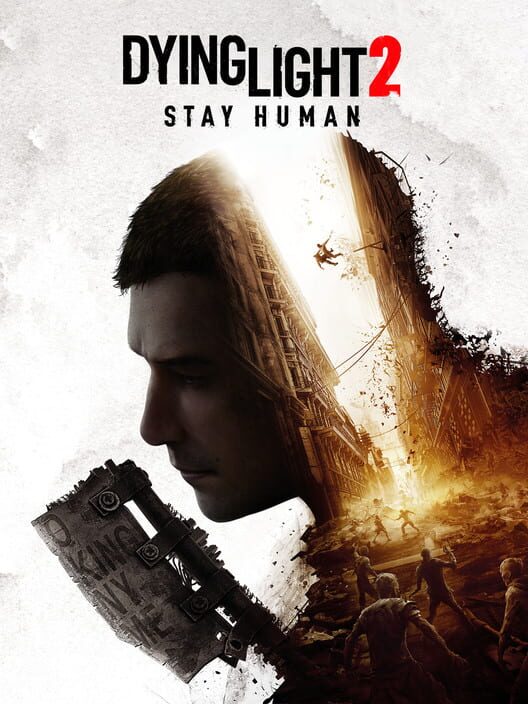
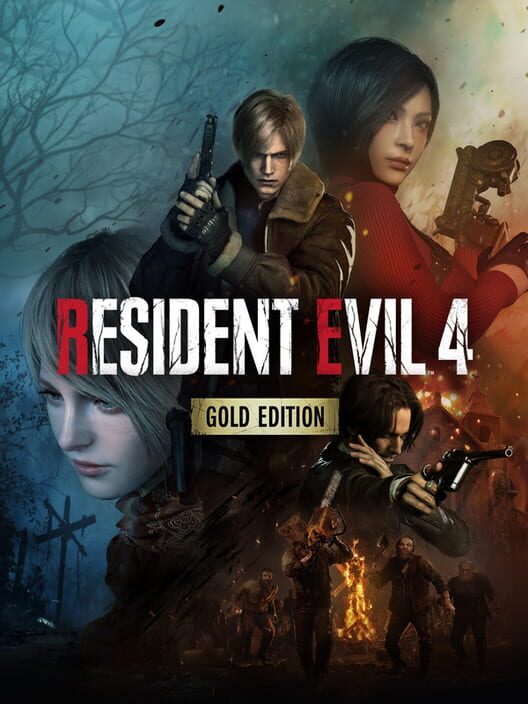


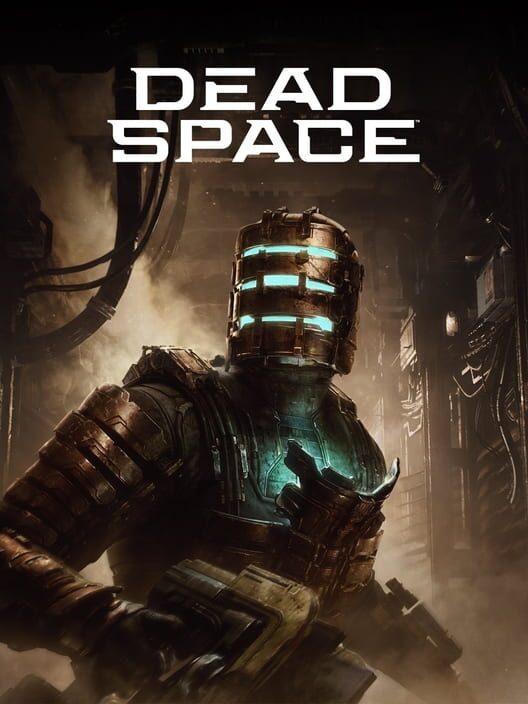


Behind the wheel











PS4 essentials




Trending Now
About Swaps Gaming
Swaps Gaming rents PS4 and PS5 games in India. You pick a title and a mode, pay with Razorpay, and get the account details on WhatsApp, usually within minutes. Primary modes keep trophies and saves on your console and work online or offline. Secondary modes play on our shared account and need an internet connection. Lifetime modes are a one-time payment. Every mode is tested to stay ban-safe.
Referrals and coupons are separate. Share your link from Dashboard → Gamer Referral. The code can be used by 10 friends. When each friend finishes their first rental, you receive ₹50 credit, applied automatically at your next checkout. Credit does not expire. Every 10 friends who verify their email and complete an order earn a ₹100 coupon. Your own third rental earns a one-time ₹200 coupon, which is not the 10% streak reward for renting the same game again. Coupons, gifts, and prize codes last 365 days and can be used once, on Rent now or at checkout. Turning a coupon into credit cannot be undone. Coupons and credit together can take off at most half the order price.
Ban-safe by design
Every mode is tested to keep your console safe. Play online, play offline — the way it was meant to be.
Instant delivery
Confirmation on WhatsApp within minutes of payment.
Lifetime modes
Own access, not games. Pay once, play forever.
Keep your trophies
Primary modes save your progress and trophies to your console account — just like a purchase.
What our gamers say.
“Good”
This game is very hard but when u understand it it becomes very satisfying.
“Spiderman Game of the year edition & Spiderman Miles Moral”
I rented two PS4 games from Swaps Gaming – Marvel's Spider-Man and Spider-Man: Miles Morales, and honestly, I had a great experience! Both games were amazing and really enjoyable to play. The graphics, gameplay, and overall experience were fantastic. The rental service was also smooth and hassle-free. The games were in good condition, and the overall service was excellent. Highly recommended for anyone who loves gaming and wants to enjoy games without buying them. Looking forward to renting more games from Swaps Gaming! Keep up the great work! 🎮

“Trust me this is the one of the best experience of buying a game on rent ❤️”
Was safe easy ...after payment takes approx 10 mins to get on your device also very friendly and calm to explain each n everything...didn't felt that he was annoyed by my stupid questions once again thanks...will buy n recommend more in near future ❤️
“Value for Money”
Renting a single player game is best to save some money and time
“Awesome Experience”
Excellent Service

“Great experience”
The only Value for money game rental over the internet, great varieties and excellent response

“Safe and secure.”
The game was good. I really enjoyed playing. Recommended.
“Great experience”
I rented ghost of tsushima and the experience was smooth and flawless. The man behind this was really friendly and helpful. I played the game in my own profile without any issues. Overall i would recommend swaps to everyone.
Ready to press start?
Create an account and unlock our full catalog. Prefer human-first? Message us on WhatsApp — we reply in minutes.
Cheap PS5 and PS4 game rental in India
Swaps Gaming lets you rent PlayStation games for a fraction of the cost of buying them. Pick a PS5 or PS4 game, choose a rental mode and duration, pay with UPI or card, and get your game details on WhatsApp. Primary rentals keep trophies and saves on your own console, and secondary rentals are the lowest-cost option.
Rent PS4 games online
Looking for PS4 games on rent? Choose a title, pick a primary or secondary rental, and play it on your PS4 without paying the full price. Your game details come on WhatsApp after payment.
Rent PS5 games online
Want PS5 games on rent? Browse new releases and big PS5 titles, choose how long you need them, and start playing the same day. Primary rentals keep your trophies on your own account.
Frequently Asked Questions
A short list is below. Renting, referrals, and coupons are all on the FAQ page.
How does game rental work?▼
Choose a game, select a rental mode (Primary, Secondary, or Lifetime), complete payment via Razorpay, and receive instant access credentials on WhatsApp. Download from our account, play from yours — trophies and saves stay on your console.
What's the difference between Primary and Secondary?▼
Primary: Download from our account, play from your account. Works online and offline. Trophies and saves are yours. Secondary: Play on our shared account. Requires internet. No trophies on your account. Both are 100% ban-safe.
Will my console get banned?▼
No. Every rental mode is tested and follows PlayStation's account-sharing guidelines. We've served thousands of gamers with zero console bans. Play worry-free.
How long does delivery take?▼
Instant. Once payment is confirmed, you'll receive account details on WhatsApp within minutes (usually under 5 minutes during business hours, up to 30 minutes outside).
Can I extend my rental?▼
Yes. Go to your Dashboard before the rental expires and click "Renew". If it's already expired, simply rent the game again or upgrade to a Lifetime mode for permanent access.
What payment methods do you accept?▼
We accept all major payment methods via Razorpay: UPI, Debit/Credit Cards (Visa, Mastercard, RuPay), Net Banking, and mobile wallets. All transactions are secure and encrypted.
What do I get on my birthday?▼
Save your birthday month and day on Dashboard → Profile. Each year, on that day, Swaps Gaming sends you one ₹100 gift coupon by email and WhatsApp, with a birthday greeting. It is once a year, lasts 365 days, and can be entered on Rent now or at checkout. 29 February is celebrated on 28 February in a year that is not a leap year.
How do I log in to Swaps Gaming?▼
Open the Login page and sign in with email, Google, or WhatsApp. A new player uses Create account. After you sign in you land on your dashboard. Creating an account is free.
What is on my account and dashboard?▼
The dashboard shows your active and upcoming rentals, renewals, invoices, and profile. The cart and wishlist hold games you have not paid for yet. Those pages are private to the signed-in player. The public catalog and each game page are what search engines list.
Where is the full PS4 and PS5 catalog?▼
The catalog lists the PlayStation games available to rent, with PS5, PS4, genre, and price filters. Every game has its own page with the rental price, platforms, description, cover, and the tags stored for that title.
How do I start a PS4 rental?▼
On the PS4 login screen select New User, then Create a User. Accept the user agreement. A QR code and a number appear on your screen: send a clear photo of both to us on WhatsApp and we sign in for you. Primary renters then open Settings, Account Management, and Activate as Your Primary PS4. The full screens are in the PS4 rental rules and procedures guide.
How do I activate or deactivate a Primary PS4?▼
Primary rentals only. When the rental starts: Settings, then Account Management, then Activate as Your Primary PS4. When the rental ends: Settings, then Account Management, then Deactivate as Your Primary PS4. Secondary renters do not change the primary console.
How do I start a PS5 rental?▼
On your PS5 choose Add User > Get Started, agree to the terms and press OK. A QR code with a 6-digit number appears: send a clear photo of both to us on WhatsApp and we sign in for you. Primary renters then enable Console Sharing and Offline Play. Download the game from Game Library > Your Collection and play.
How do I turn on PS5 Console Sharing and Offline Play?▼
Primary rentals only. Go to Settings > Users and Accounts > Other > Console Sharing and Offline Play and choose Enable. It is on automatically on the first PS5 an account signs in to, so you may already see it enabled.
How do I disable Console Sharing at the end of a Primary rental?▼
Go to Settings > Users and Accounts > Other > Console Sharing and Offline Play and choose Disable, then confirm. Do this before you delete the rental user. Secondary renters never enable it, so they skip this step.
What do I do when my rental ends?▼
Record a video while you do it. Secondary: delete the rental user (Settings > Users and Accounts > Delete Users). Primary: first disable Console Sharing and Offline Play, then delete the rental user. Upload the video on your Dashboard under that rental. The rental is complete once our team approves it.
Why do I have to upload a video?▼
The video shows the rental account was removed correctly, so the next renter gets a working account. Renters who complete the checklist with a video on every rental are marked Top Customers by our team.
Who are Top Customers?▼
Renters whose return videos are approved every time they rent. Our team marks them Top Customers on their account. Skipping the video on any rental means that rental is not complete.